- Free shipping*
- 100 days returns
- Low prices
- 5 million products
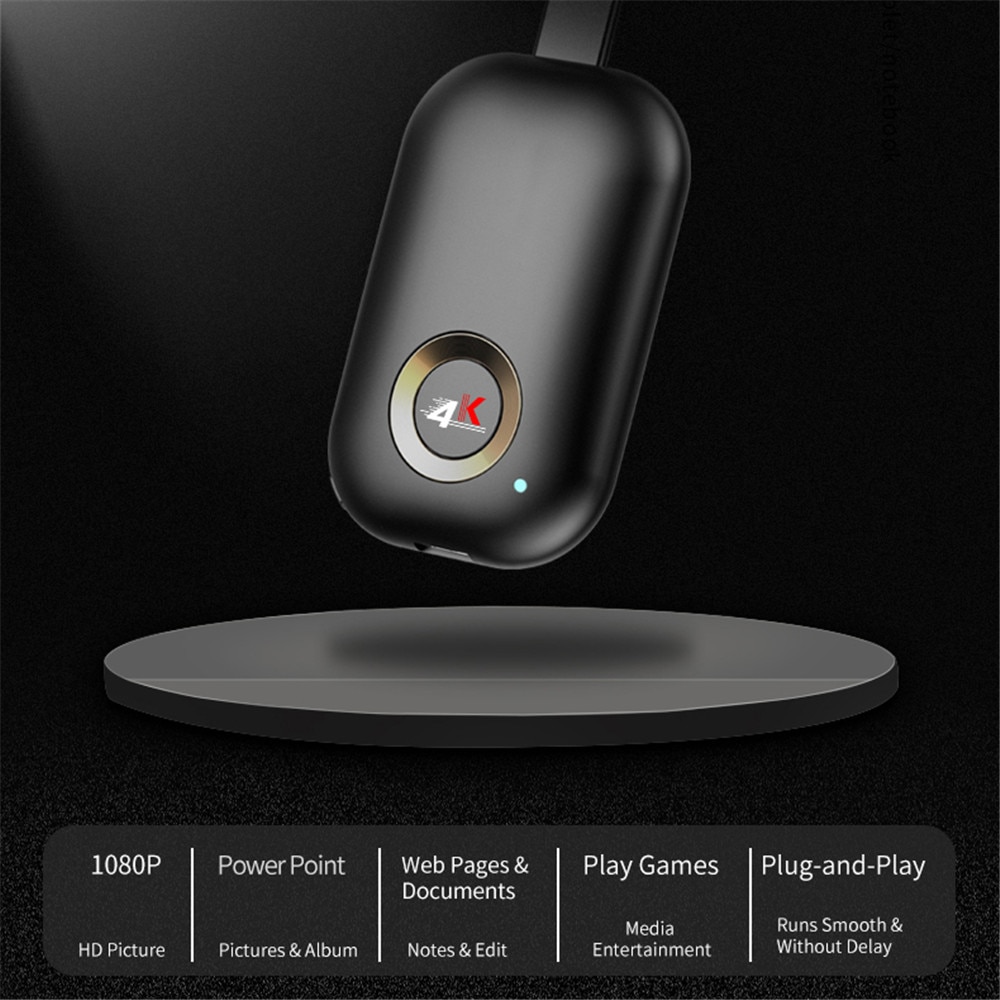
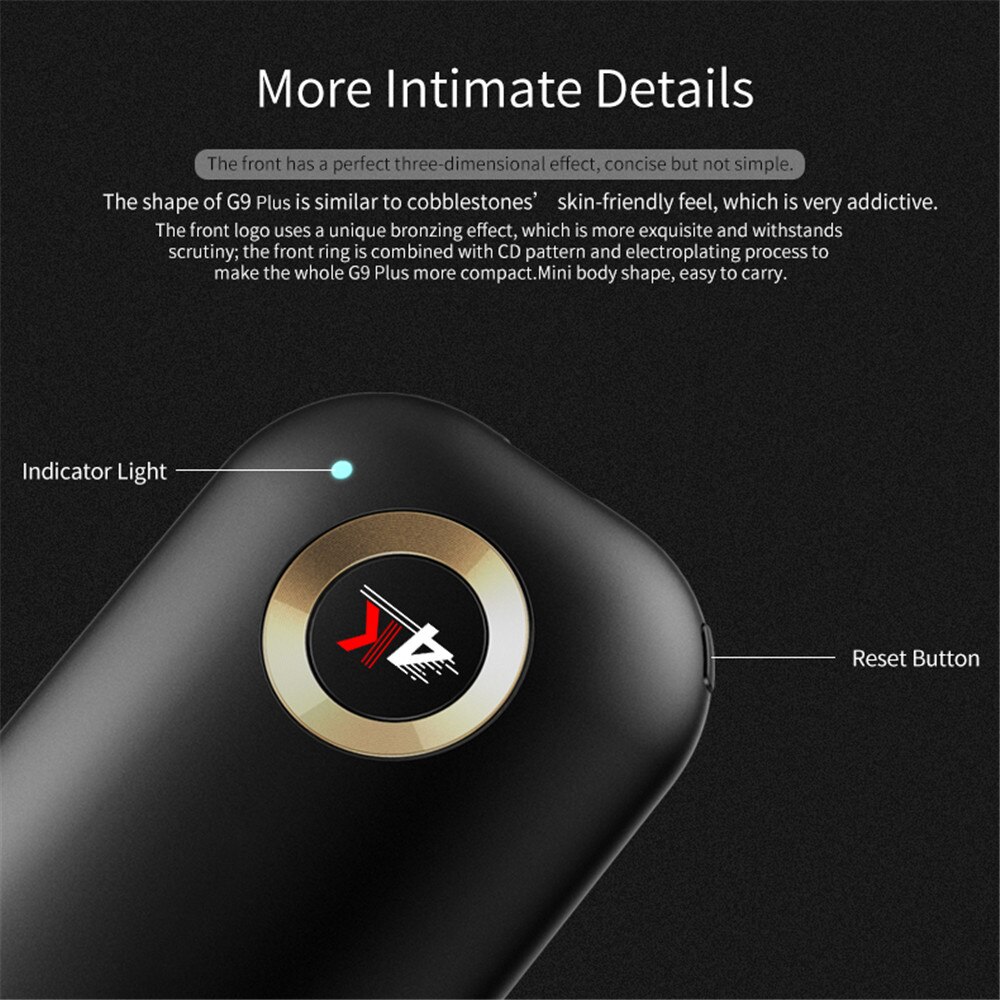
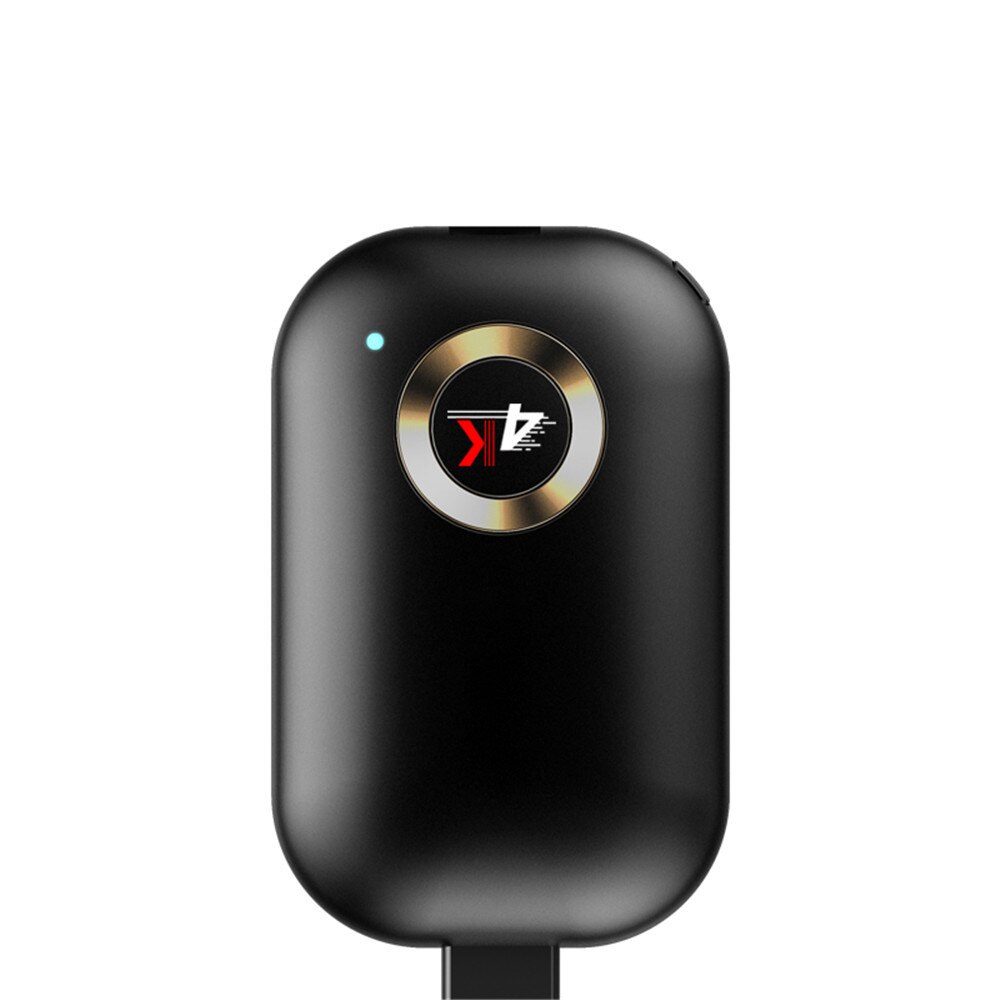
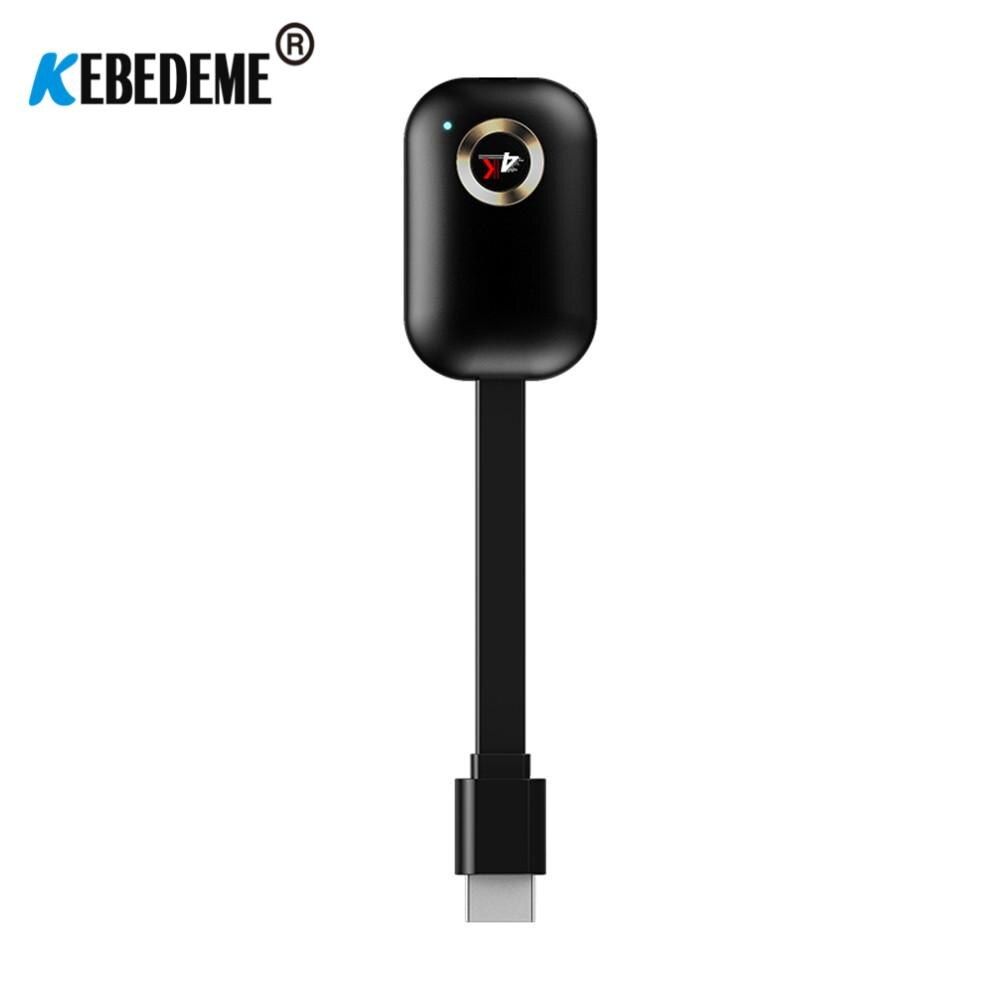
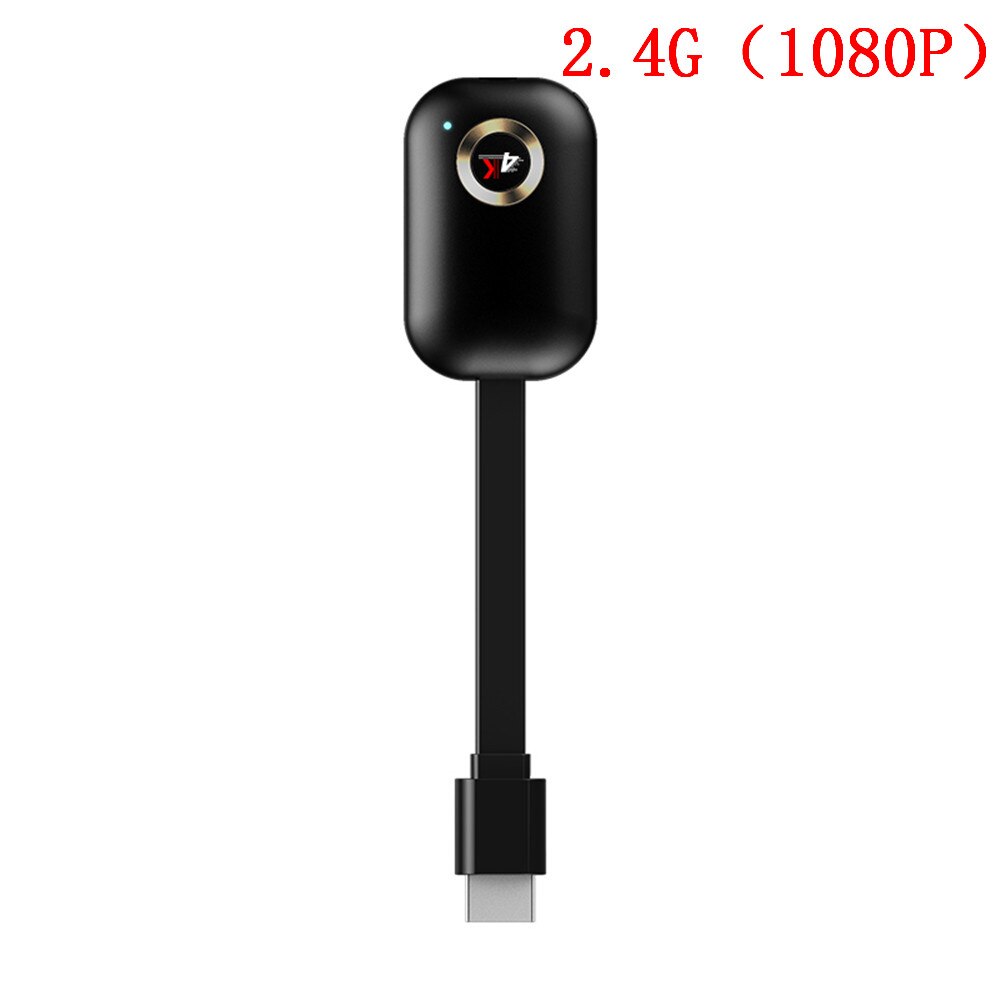
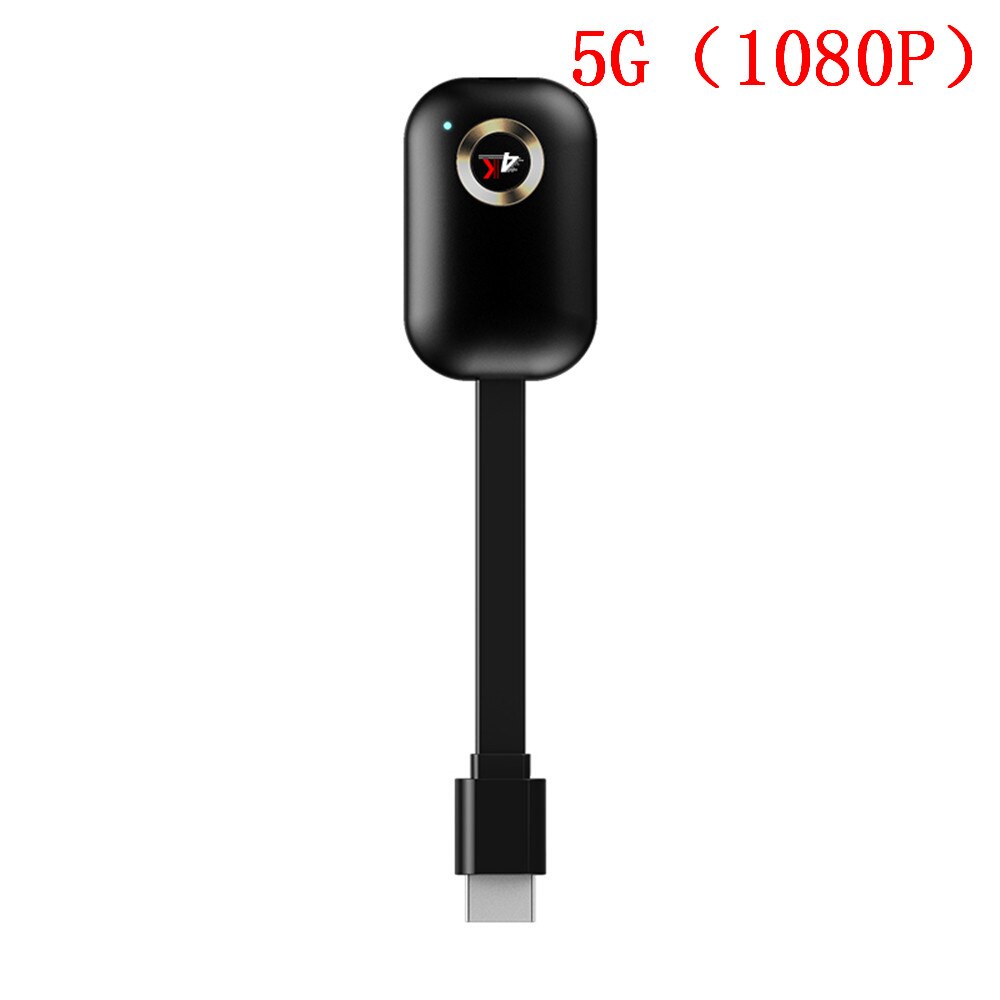
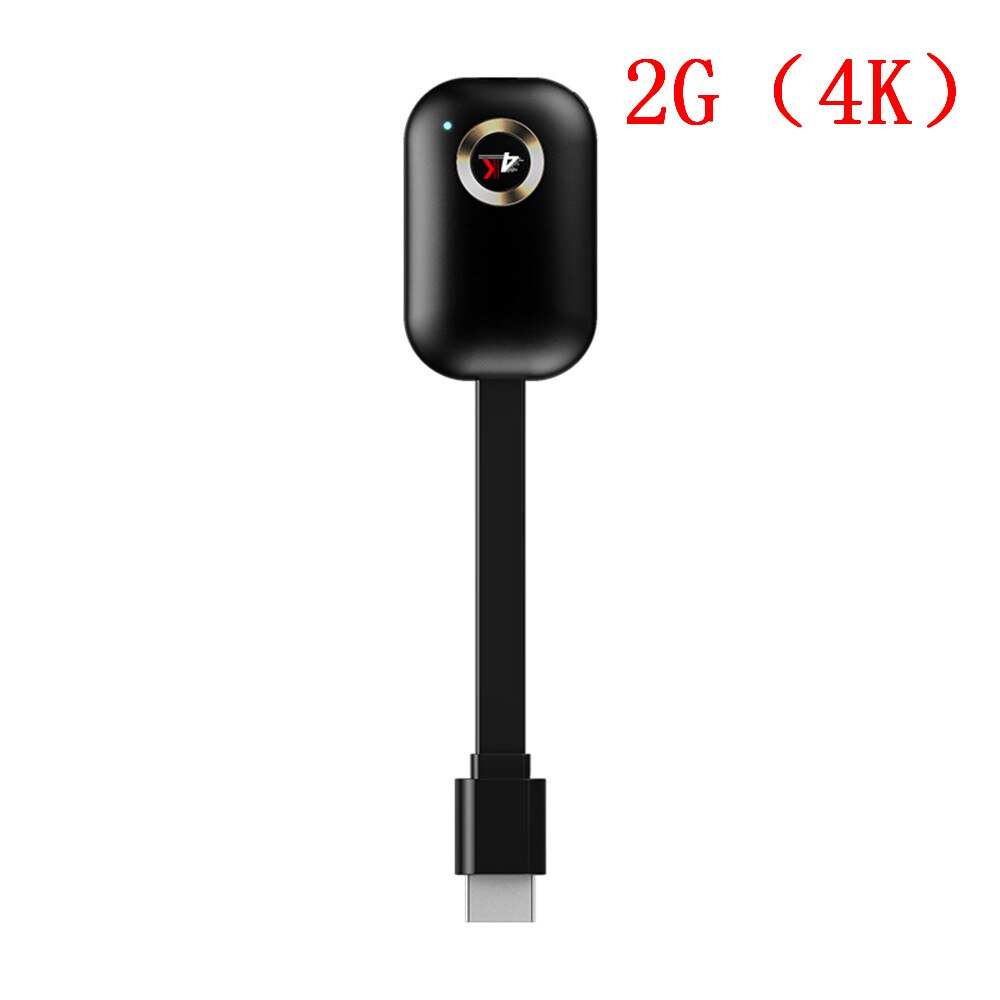
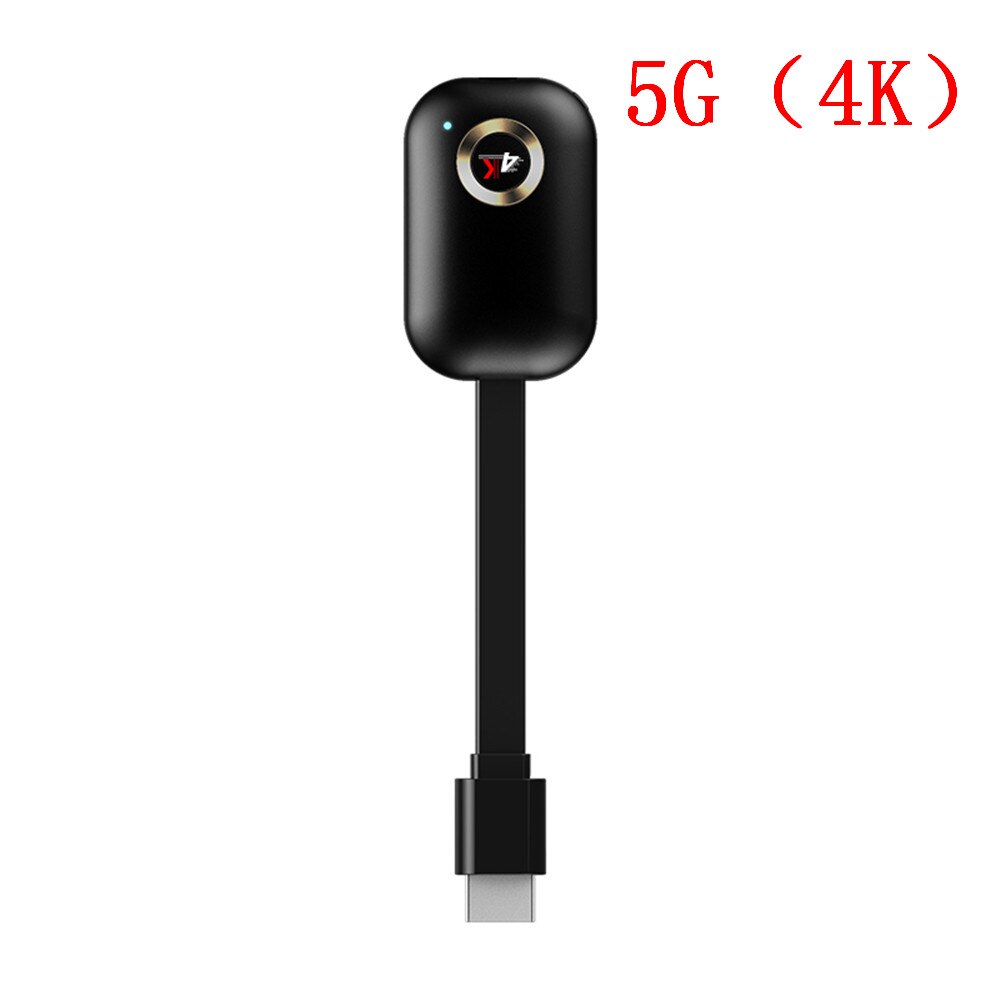
4K TV Stick G9 Plus - 2.4G/5G WiFi - Miracast DLNA AirPlay - HDMI Display Mirror Receiver for iOS Android
Key Features
- Wireless streaming and screen mirroring for your TV
- Supports 4K Ultra HD resolution for crisp visuals
- Dual-band 2.4G/5G WiFi for stable and fast connections
- Compatible with Miracast, DLNA, and AirPlay protocols
- Works seamlessly with both iOS and Android devices
What is the Kebidumei G9 Plus TV Stick?
The Kebidumei G9 Plus is a high-definition TV dongle designed to wirelessly stream content from your smartphone, tablet, or laptop directly to your television via HDMI. It allows for easy screen mirroring, making it perfect for sharing photos, videos, presentations, or even playing games on a larger display.
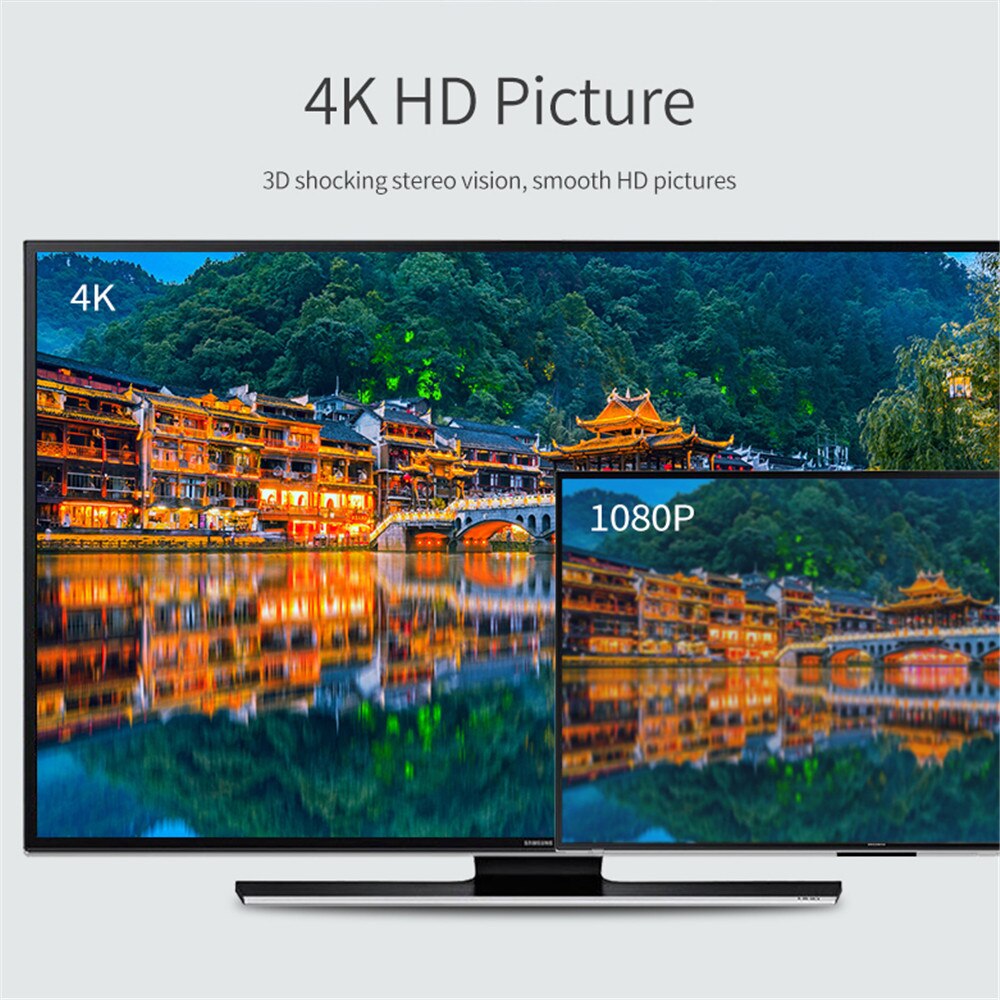
This device supports the latest 4K resolution, ensuring your content is displayed with exceptional clarity and detail. Its dual-band WiFi (2.4G and 5G) provides flexible and robust connectivity options, catering to different network environments for a smooth streaming experience.
How does it enable wireless display?
The G9 Plus TV Stick utilizes industry-standard protocols such as Miracast, DLNA, and AirPlay to achieve wireless display mirroring. Miracast is commonly used by Android devices, while AirPlay is the standard for Apple's iOS devices. DLNA allows for media streaming across compatible devices on the same network.
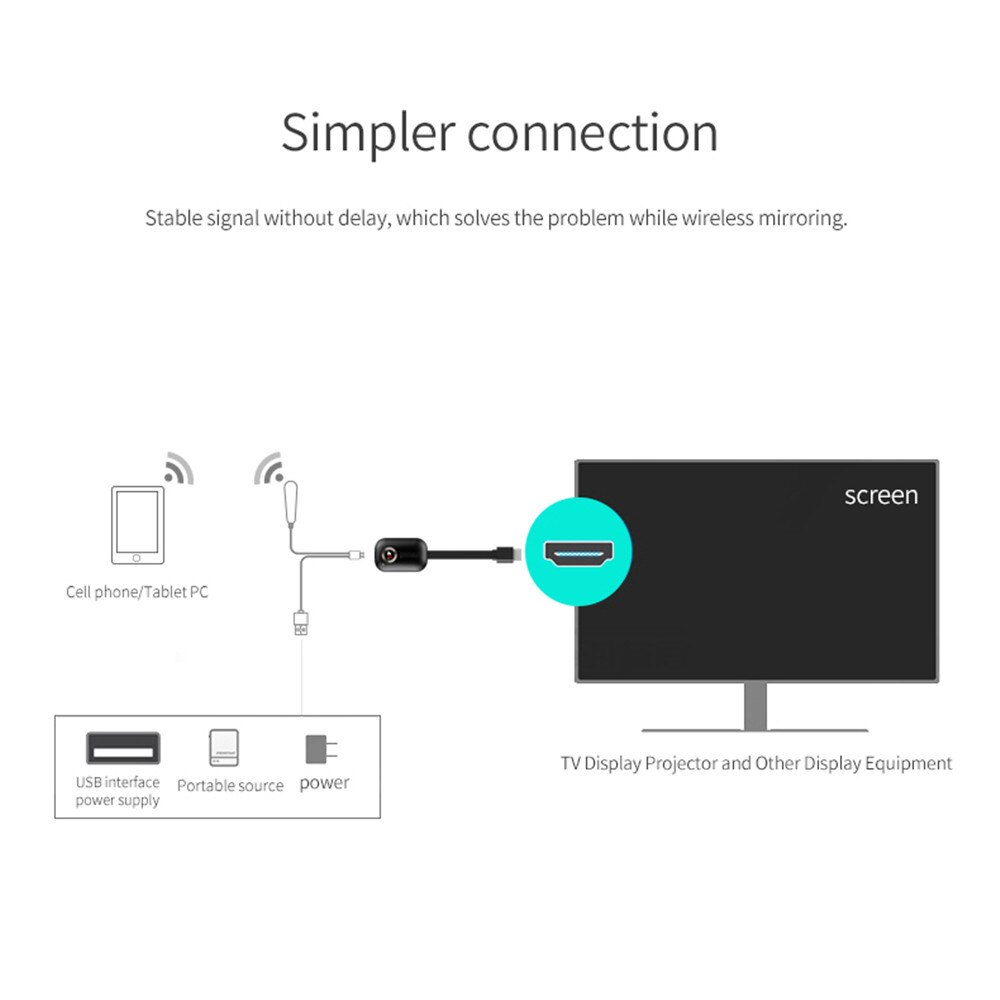
Simply connect the stick to your TV's HDMI port and power it via USB. Then, select the appropriate protocol on your mobile device to cast your screen. The device is designed for straightforward setup, requiring no complex software installations.
What are the technical specifications?
The TV Stick operates with an Android-based system and supports a hard drive capacity of less than 100GB. It offers a decoding capability of 1080p (Full HD) and connects via HDMI. Please note that a remote control is not included, as operation is managed through your connected device.
The model number is G9 Plus, and it is manufactured by kebidumei. It is classified as a High Definition type device, designed for seamless integration with your home entertainment setup.
Frequently Asked Questions:
What devices are compatible with the G9 Plus TV Stick?
The G9 Plus TV Stick is compatible with both iOS and Android devices, allowing you to stream content wirelessly from your smartphone or tablet.
Does the G9 Plus TV Stick support 4K resolution?
While the device is marketed as a 4K TV Stick, its decoding capability is 1080p (Full HD). It can mirror content from 4K sources but will output at 1080p.
How do I connect the G9 Plus TV Stick to my TV?
Connect the G9 Plus TV Stick to an available HDMI port on your television. Power is supplied via a USB connection. Once connected, you can begin wireless streaming from your compatible device.
Does the G9 Plus TV Stick require a remote control?
No, a remote control is not included with the G9 Plus TV Stick. Operation is managed directly through the connected iOS or Android device using its respective screen mirroring protocols like AirPlay or Miracast.
- Free shipping*
- 100 days returns
- Low prices
- 5 million products